
How to Manage Multiple Service Counters and Queues
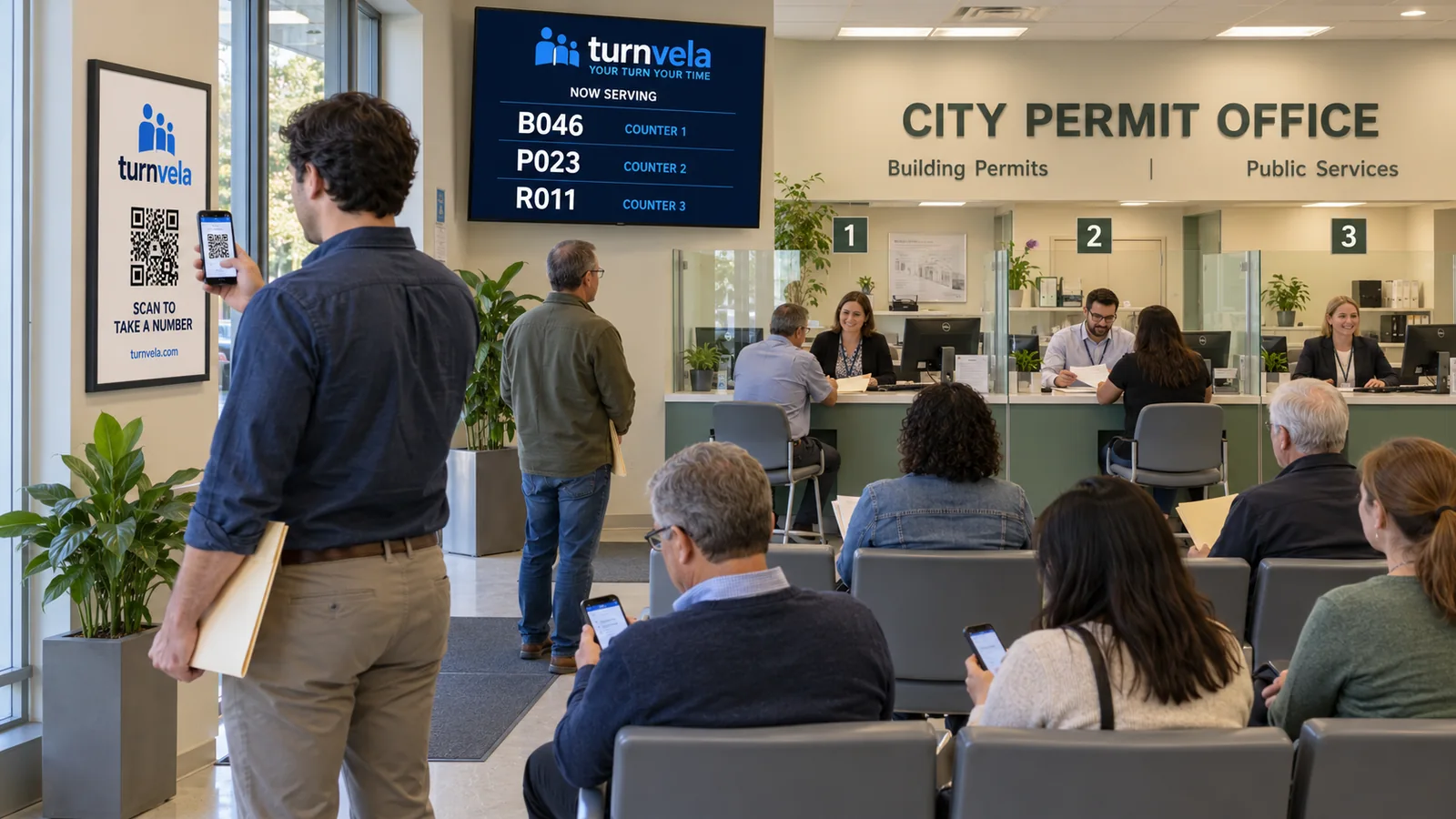
More service counters do not automatically mean shorter waits. If customers do not know which line to join and employees are unsure who to call, extra counters can still produce confusion. Start with one rule: each service needs a clear path from taking a number to reaching an appropriate employee.
A queue management system helps carry out that plan. It does not decide which employees are qualified for a task. Before setting up queues, separate the services everyone can handle from those that need specific training or equipment. Then decide which lines belong at which counters.
When should you use one shared queue?
A shared queue works when all participating counters provide the same service. Customers take a number, and an available employee calls the next customer. This avoids forcing someone to choose between separate physical lines when the next available counter could handle their request.
For example, if every employee can accept the same application, create one service and assign it to the appropriate counters. Show the called number and counter clearly. The counter label must also be visible in the room so customers can find it without asking another employee.
When should services have separate queues?
Separate queues make sense when requests follow different processes. Document pickup, new applications, and detailed consultations may require different staff. In that case, customers choose a service before taking a number. Write service names in customer language rather than using internal department codes.
Do not create a new queue for every small variation. Too many options increase the chance of a wrong selection and make settings harder to maintain. If the same employees handle two tasks under the same rules, consider whether they need separate lines at all.
Assign services to the right counters
TURNVELA's business settings let an owner choose which service queues each counter handles. Assignments should reflect real staff capabilities. A general counter may serve several queues, while a specialist counter should be assigned work that its employee can actually complete.
| Counter | Assigned services | Purpose |
|---|---|---|
| Counter 1 | Applications and document pickup | General service |
| Counter 2 | Applications and document pickup | Additional capacity for the same work |
| Counter 3 | Specialist consultations | Dedicated service |
This is an example, not a required layout. A smaller location may need just one queue and two counters. Write down the assignments before entering them in the system. After saving, check that staff see the expected services and that each counter can call the intended queue.
Agree on the process before a shift
Each employee should know which counter they operate and which services they handle. They should select their actual counter before making the first call. If they move to another desk during a shift, the selection needs to match the physical label in the space.
Also agree on breaks, missed calls, and incorrect service selections. Do not send customers from one desk to another without explaining the next step. Calling a specific number should follow an understood rule. Unexplained exceptions can make customers question whether the line is being handled fairly.
Handle a counter break separately from a closure
One employee's break is not the same as closing the entire location. If other counters continue working, keep their service available and clearly identify the unavailable desk. TURNVELA includes a counter pause control. Check the status of the currently called ticket before walking away.
If only one employee handles a specialist service, that person's break affects the whole service queue. Let customers know when processing will resume. Do not promise an exact service time when the duration of earlier requests is unknown. A count of people ahead is not a reliable estimate in minutes.
Look for the reason behind an uneven backlog
If one queue grows while other counters sit idle, check whether qualified staff can take on some of that work. Assigning a service to another counter is useful only if the employee has the training, tools, and access needed to complete the task.
A queue system does not create additional capacity by itself. Long processing times may call for clearer document instructions, preparation before the visit, or a different staff schedule. Record the actual bottleneck before changing queue rules: when it occurs, which service it affects, and what prevents progress.
Explain why different queues move differently
A quick pickup may finish before a consultation that started earlier. That does not necessarily mean someone skipped the line. Explain that calls depend on the selected service and available counters. Avoid making customers decode the business's internal workflow to understand their own ticket.
Ticket prefixes can distinguish services, but the main requirement is recognition: customers should spot their number and find the correct counter. If the same complaint about call order repeats, review your instructions and assignments before adding more rules.
Test the layout before serving customers
Use a separate test business for a short rehearsal without real customers. Take tickets for different services, sign in to the planned counters, and check where calls appear. View the public screen from the waiting area. Labels should be readable without an employee interpreting them.
- Every active service has an available counter assigned to it.
- Screen labels match the physical counter signs.
- Staff understand breaks and missed-call procedures.
- Customers without smartphones have an assisted option.
Frequently asked questions
Does every counter need its own queue?
No. A shared queue is often simpler when several counters handle the same work. Separate queues when the services or handling requirements differ.
Can one counter serve several queues?
Yes. TURNVELA lets you assign multiple services to a counter. Confirm that the employee can handle all assigned work.
Will adding queues fix a staffing shortage?
No. Separate queues improve routing, but a capacity shortage requires operational changes.
For the basics, read what a queue management system does. Then follow the setup guide. TURNVELA is free during the public beta, with no credit card required. Paid plans may be introduced with advance notice.